Let’s be honest, for winter sports enthusiasts, a smartphone is just as essential these days as a helmet and goggles. It guides you across the ski map, captures that perfect powder moment, works as your lift pass, and is only a tap away in case of emergency.
But as soon as temperatures drop, your tech doesn’t always cooperate. Batteries suddenly drain faster, the display slows down, and sometimes the screen just goes black. Cold weather is the invisible enemy of modern electronics. Here are a few simple tips to keep your phone up and running, even out in the snow
When Cold Messes with Chemistry
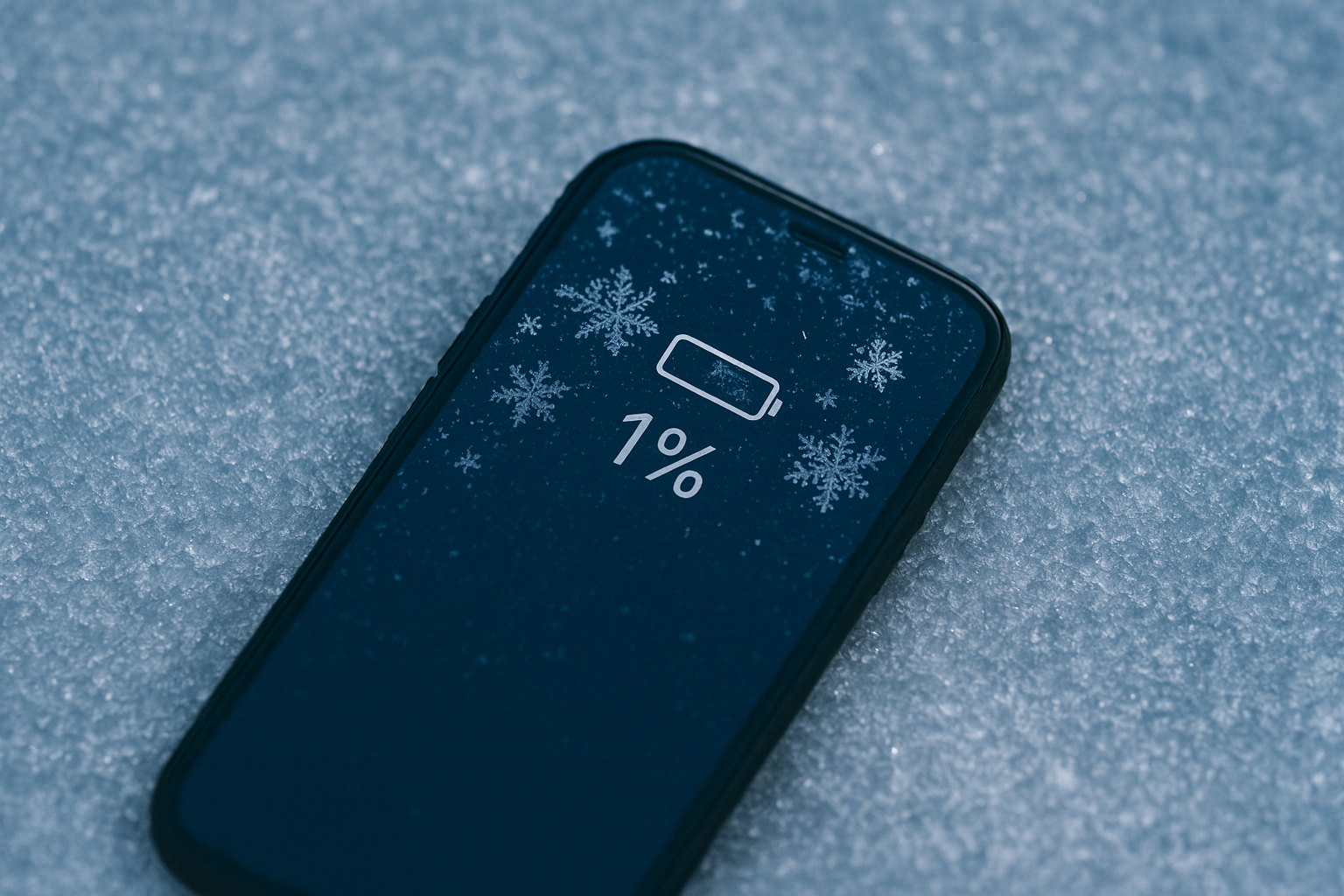
What might look like a technical fault at first actually has a simple explanation: cold weather and batteries don’t mix. And it’s not just annoying, it can become a real safety issue if your phone suddenly dies in an emergency. For many people on the slopes, staying connected isn’t just convenient, it can be genuinely essential.
Temperatures below freezing put serious strain on smartphone batteries. Inside lithium-ion cells, the chemical reactions that generate energy slow down in the cold. Internal resistance increases, ion movement becomes sluggish, and the phone interprets this as an empty battery, even though there’s still charge left.
Tests show that at temperatures below -10°C, usable battery capacity can drop by as much as 60%. In a way, your phone “freezes up” without actually being fully drained. Once the device warms up again, battery performance usually returns.
Proven Ways to Protect Your Phone
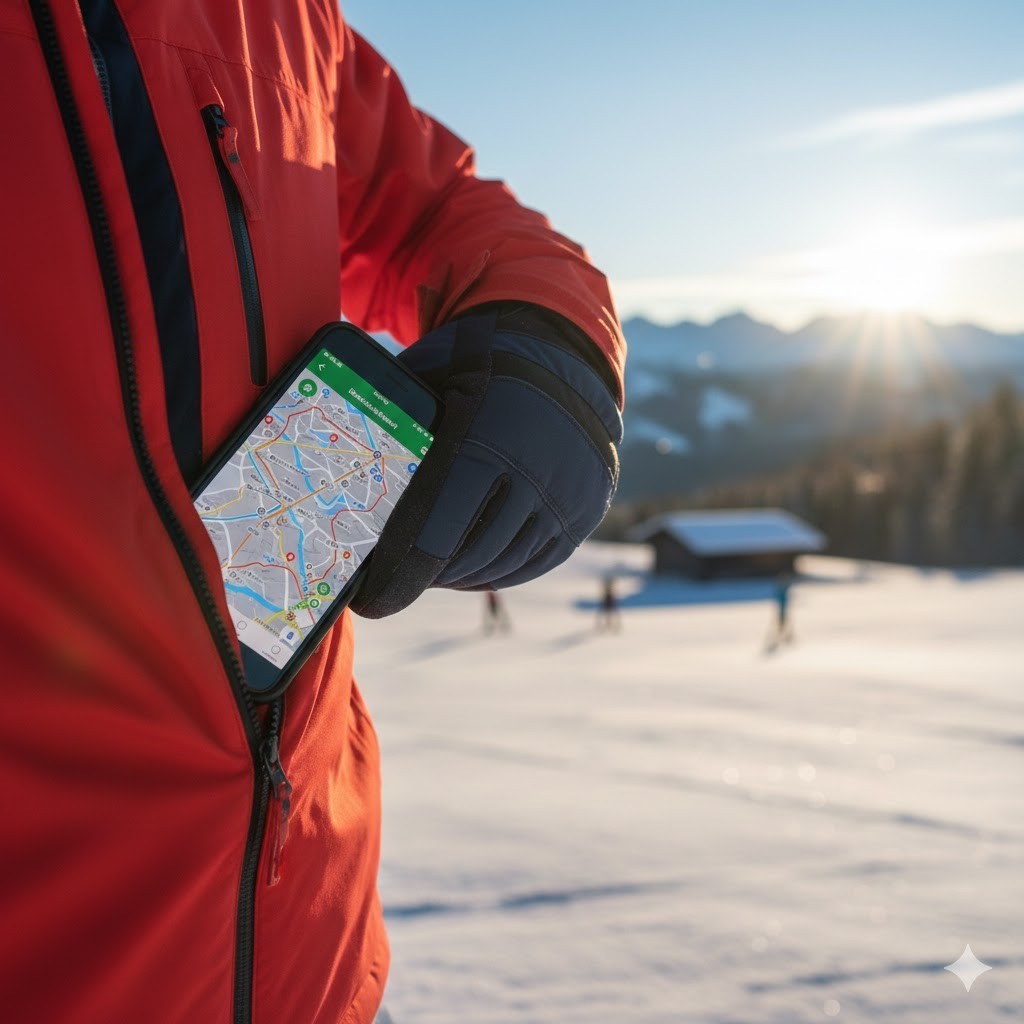
The Best Place for Your Phone: Close to Your Body
Experts recommend a simple but highly effective strategy: keep your smartphone in an inside jacket pocket, not in an outer pocket or your backpack. Your body heat is usually enough to keep it working properly, even in sub-zero temperatures up in the mountains.
Even a temperature difference of just five degrees can make the difference between a phone that still works and one that suddenly shuts down.
DIY Heat Protection: The Wool Sock Trick
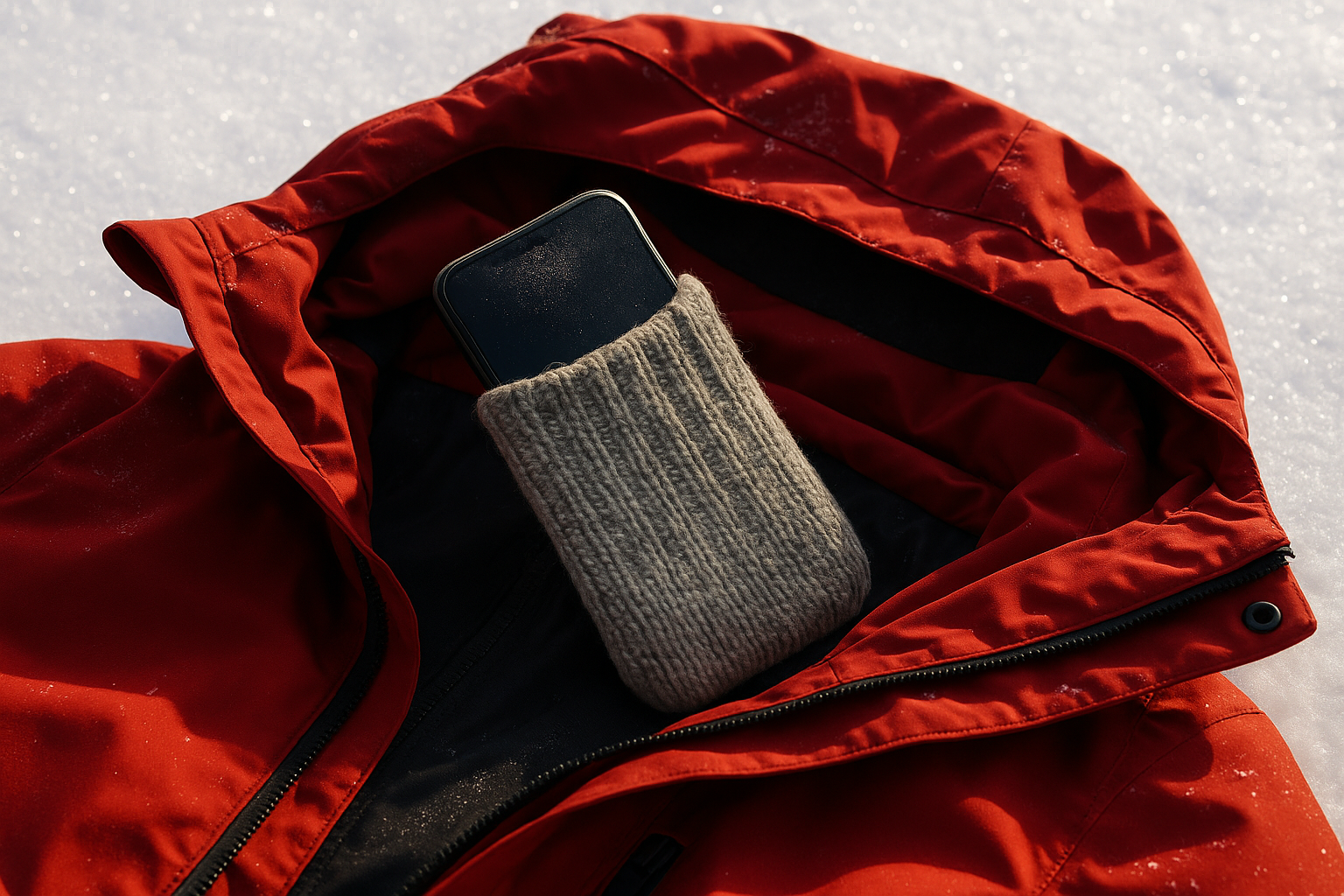
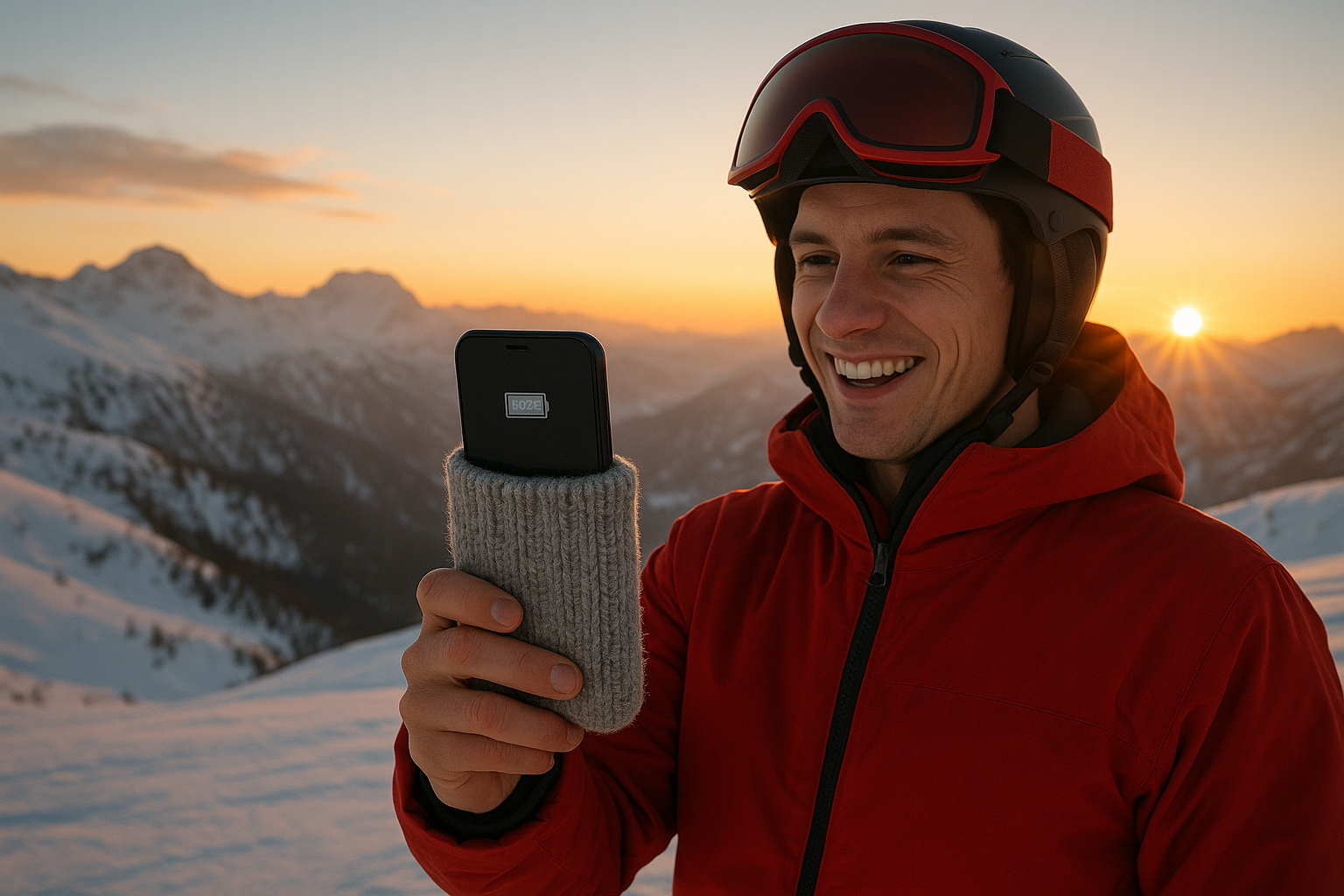
For extra protection, one surprisingly popular method has caught on: wrapping your phone in a wool sock. Wool is naturally great at retaining heat. Its fibers trap air and create insulation without causing moisture buildup. That helps keep your phone warm, even if you take a fall or snow gets inside your jacket. Tip: Make sure the sock isn’t too tight. You should still be able to pull your phone out easily.
If you want to play it extra safe, toss a hand warmer or heat pad into the same pocket. Those little helpers don’t just keep your fingers warm, they also create a cozy microclimate for your phone and power bank.
Switch to Low Power Mode: Less Is More
Even the best insulation won’t help much if your battery is already struggling. That’s why your phone should be fully charged before your ski day, and ideally set to Low Power Mode to reduce energy drain. A power bank can also be a lifesaver and extend your battery life. Just don’t forget: it suffers from the cold too. So keep it warm as well, ideally in the same inside pocket as your phone.
Since the display is one of the biggest battery killers, it’s worth turning the brightness down, especially in the harsh winter sun on the slopes. And if you’re dealing with weak reception, Airplane Mode is your best friend: it saves a lot of power by stopping your phone from constantly searching for a signal. Location services should also only be switched on when you actually need them. Offline maps or saved routes are an easy, battery-friendly alternative.
And finally: less is more, especially when it comes to using the camera. Taking photos at -10°C doesn’t just put strain on the camera, it also drains the battery faster. It’s better to snap a few great shots on purpose rather than keeping your phone out in the cold the whole time.
After Your Ski Day: Warm It Up Before You Plug It In
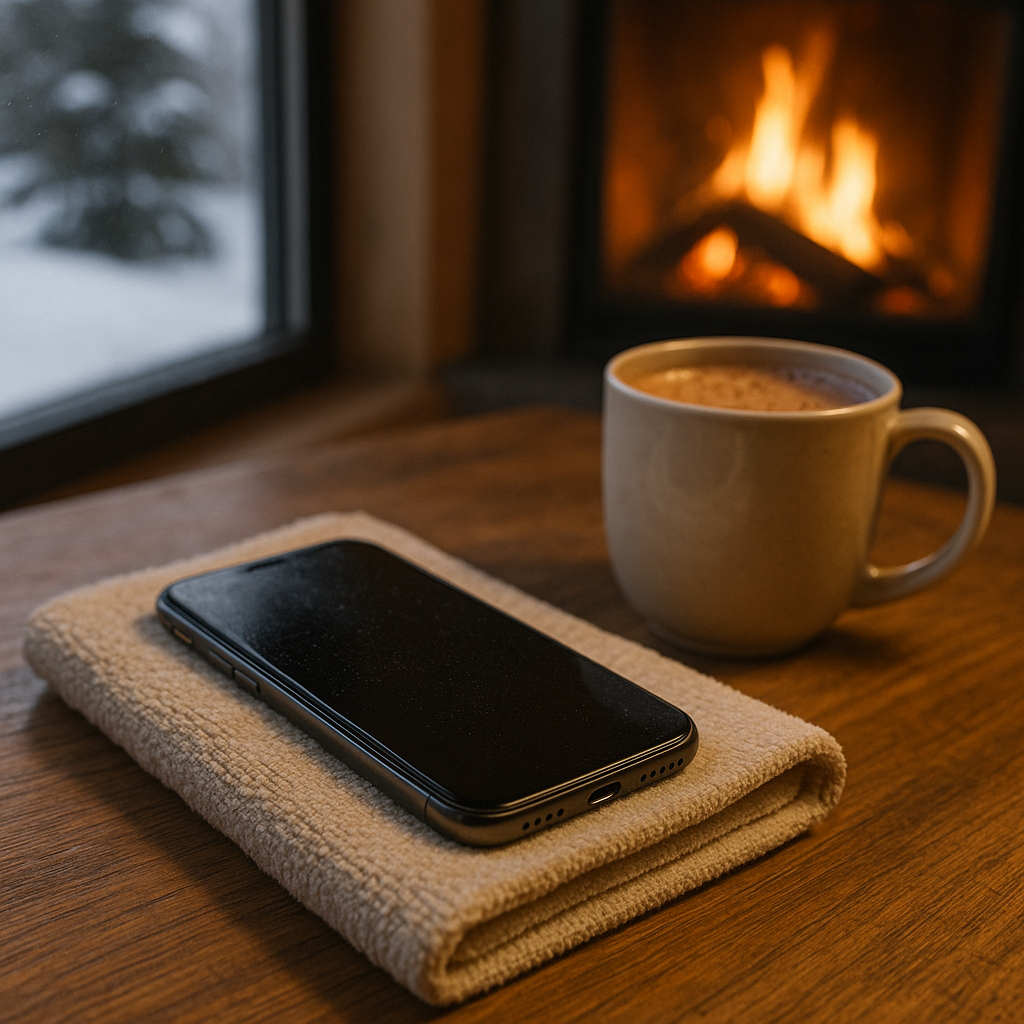
Once you’re back inside somewhere warm, patience is key. Experts advise against charging a cold device right away. Sudden temperature changes can cause condensation to form inside the phone, potentially damaging both the battery and the internal electronics. Let your phone reach room temperature first, then plug it in.
Taking these precautions doesn’t just extend your battery’s lifespan, it also helps ensure your device stays reliable throughout the entire winter season.
Fun fact: Some polar researchers actually protect their satellite phones with thick wool covers because sometimes low-tech solutions are the warmest ones.
Produktvorschau